
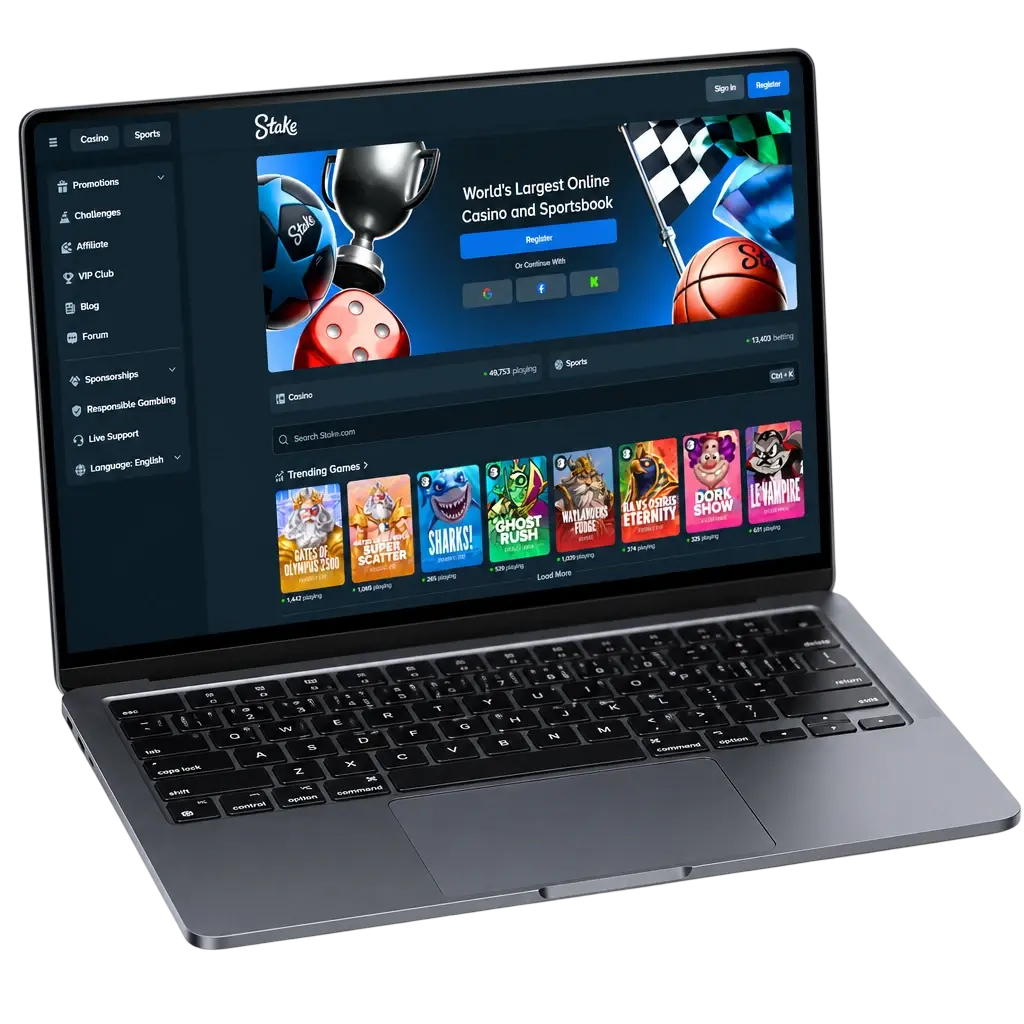
Step-by-Step Guide to Withdraw Funds from Stake
A Stake withdrawal moves fast once you know the steps. Follow this sequence to request your payout, and expect withdrawal time to range from minutes up to 24 hours depending on review status.
1 Access Your Withdrawal Page
2 Choose a Withdrawal Method
3 Enter the Withdrawal Amount
4 Confirm Your Wallet Address
5 Confirm and Wait for Processing
Withdrawing Crypto from Stake: Network Selection & Verification
- Click the button below to log into your account and open the withdrawal page.
- Select your cryptocurrency: choose from BTC, ETH, USDT, LTC, DOGE, TRX, XRP, or BCH.
- Pick the correct network: USDT withdrawals support both Ethereum (ERC-20) and Tron (TRC-20) networks, so match your wallet’s network before confirming.
- Complete verification if prompted: Stake may request an official photo ID, a selfie, or proof of address for withdrawals above certain thresholds or triggered by routine security checks.
- Paste your wallet address and confirm the withdrawal amount.
- Submit the request: once approved, your crypto typically lands in your wallet within minutes, pending network confirmation times.
Keep your wallet address saved for future withdrawal requests to speed up the process.
Verify Your Stake Account Before Cashing Out
Before your withdrawal clears, Stake runs a short verification process. This step confirms your identity through your registered email, phone number, or linked social login, plus a document check for larger amounts. Verification protects your account from unauthorized access and keeps your funds secure during transfer. New players should complete this step during registration to avoid delays later. Most checks finish within a few hours, though complex cases can take longer. Keep your details updated, including your date of birth and address, since mismatched information triggers additional review. Tap the button below to verify your account and clear the path for your next withdrawal.
Minimum & Maximum Withdrawal Amounts at Stake
Your minimum withdrawal amount depends on the cryptocurrency you choose, and figures adjust automatically with network fees. Maximum limits scale with your verification level and VIP status, so higher tiers access bigger withdrawal amounts per transaction. Check the deposit page for matching minimums on the way in, keeping your funds moving at a steady pace in both directions.
Here is a snapshot of typical crypto withdrawal limits.
| Method | Minimum Withdrawal | Maximum Withdrawal | Fee |
|---|---|---|---|
| BTC | ~0.0001 BTC | Scales with VIP tier | Network fee only |
| ETH | ~0.001 ETH | Scales with VIP tier | Network fee only |
| USDT (TRC-20) | ~10 USDT | Scales with VIP tier | Network fee only |
| LTC | ~0.01 LTC | Scales with VIP tier | Network fee only |
| DOGE | ~50 DOGE | Scales with VIP tier | Network fee only |
| XRP | ~5 XRP | Scales with VIP tier | Network fee only |
| TRX | ~50 TRX | Scales with VIP tier | Network fee only |
| BCH | ~0.001 BCH | Scales with VIP tier | Network fee only |
Figures are approximate and adjust with network conditions. Confirm the exact minimum on your withdrawal page before submitting.
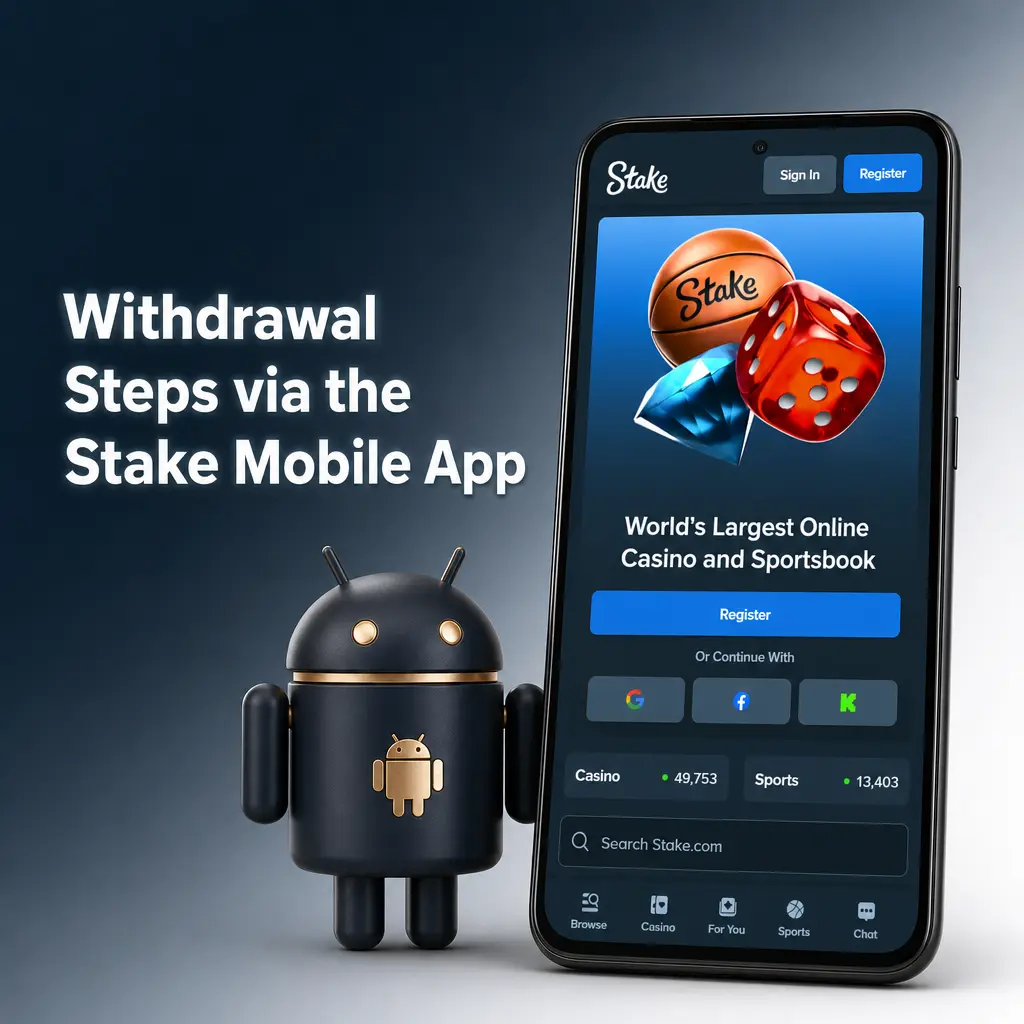
Withdrawal Steps via the Stake Mobile App
Download the Stake app to manage your withdrawal requests from your phone.
- Click the button below to download the app for Android.
- Log into your account and tap the balance icon in the top corner.
- Select \”Withdraw\” and choose your cryptocurrency.
- Enter the withdrawal amount and confirm your wallet address.
- Submit the request and track its status in the app’s transaction history.
Push notifications update you the moment your withdrawal clears.
Common Withdrawal Issues & How to Fix Them
Most Stake withdrawal issues trace back to a few common causes, each with a quick fix below.
| Problem | Reason | Solution |
|---|---|---|
| Withdrawal stays pending for hours | Manual security review triggered | Wait up to 24 hours, then contact the support team if it runs longer. |
| Withdrawal gets rejected | Wallet address does not match the selected network | Resend the request using the correct network, for example TRC-20 instead of ERC-20 for USDT. |
| Verification request appears mid-withdrawal | Document check triggered by withdrawal size or account activity | Upload a valid photo ID and proof of address in your account settings. |
| Balance shows as locked | Active bonus wagering requirement not yet cleared | Complete the remaining wagering requirement, then resubmit your withdrawal request. |
Stake VIP Loyalty Program
Stake’s VIP Club rewards consistent play with tiers ranging from Bronze to Diamond, plus a Legend tier reserved for players by invitation. Each tier upgrade adds rakeback on every wager, weekly and monthly bonuses, reload offers, and a dedicated VIP host for account support. Points accumulate automatically as you play casino games or place sportsbook bets. Visit the VIP program page to check your current tier and see what rewards the next level offers.

Earn More with the Stake Affiliate Program
The Stake Affiliate Program pays commission on net revenue generated by players you refer, with no cap on total earnings. Track clicks, referrals, and commission through a live dashboard built into your affiliate account. Payouts follow the same crypto withdrawal methods available to regular players. Join through the affiliate program page and start earning from your referral link today.

FAQ
What is the minimum withdrawal amount on Stake?
Minimum amounts vary by cryptocurrency and shift with network fees. USDT typically starts around 10 USDT.
How long does a Stake withdrawal take to process?
Most crypto withdrawals clear within minutes. Requests flagged for review take up to 24 hours.
Why does Stake ask for verification before a withdrawal?
Verification confirms your identity and protects your account from unauthorized withdrawal attempts.
How does a Stake Nigeria withdrawal reach my bank account?
A Stake Nigeria withdrawal processes through cryptocurrency only. Convert your crypto to naira through a local exchange after the transfer completes.
What happens if my withdrawal gets rejected?
Check your wallet address and selected network, then resubmit the request through your account.